- Someone is sending emails that look like they are from your@company.com — but you never sent them.
- Your domain is being spoofed, your customers are being phished, and your brand reputation is taking damage every hour it is not fixed.
- Here is how to stop it completely.
Email domain spoofing—where attackers send emails that appear to come from your business domain—is one of the most dangerous and overlooked cybersecurity threats facing Nepali businesses today.
From fake invoices to fraudulent payment requests, spoofed emails can trick your clients, partners, or even internal staff into taking costly actions. The worst part? These emails look completely legitimate—often appearing to come directly from your company.
The result is not just financial loss, but serious damage to your brand trust and reputation, which can take years to rebuild.
The good news is that email spoofing is completely preventable.
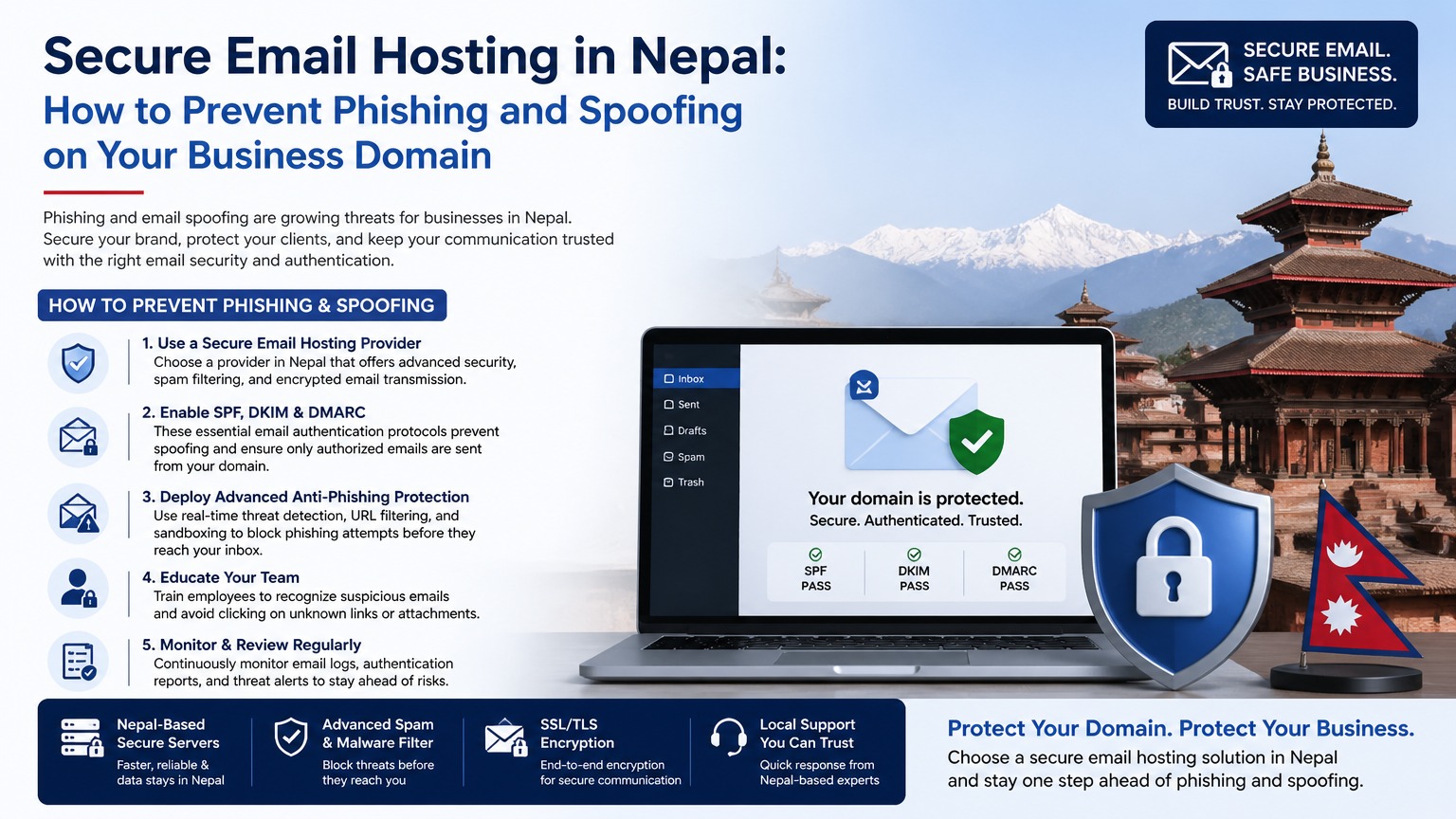
By correctly configuring three essential DNS-based email authentication systems—SPF, DKIM, and DMARC—you can effectively stop unauthorized senders from using your domain.
Understanding Email Authentication: The Three Pillars of Protection
To fully secure your business email, you need to implement all three layers together. Each plays a specific role, and together they create a powerful defense system.
1. SPF (Sender Policy Framework): Controlling Who Can Send Emails
SPF is the first layer of protection. It is a DNS record that tells the world which servers are allowed to send emails on behalf of your domain.
When a receiving server gets an email claiming to be from info@yourcompany.com.np, it checks your SPF record to verify whether the sending server is authorized.
A typical SPF record looks like this:
v=spf1 include:mail.websnp.com include:_spf.google.com ~all
This means:
- Only WebsNP servers and Google are allowed to send emails
- All other sources are treated as suspicious
Without SPF, anyone can send emails pretending to be your domain, making your business highly vulnerable.
2. DKIM (DomainKeys Identified Mail): Verifying Email Integrity
DKIM adds a digital signature to every email sent from your domain.
This signature is:
- Created using a private key on your mail server
- Verified using a public key stored in your DNS
If the email is altered or forged, the signature will not match—and the email will fail verification.
DKIM protects against:
- Email spoofing
- Email tampering during transmission
For hosting users (such as WebsNP clients), enabling DKIM is simple:
- Go to cPanel → Email → Authentication
- Enable DKIM
- The system automatically generates and publishes the required DNS record
3. DMARC (Domain-based Message Authentication, Reporting & Conformance): Enforcing Protection
DMARC is the most important layer—it tells receiving servers what to do when SPF or DKIM fails.
Without DMARC, even failed emails may still reach inboxes.
DMARC policies include:
- p=none → Monitor only (no action taken)
- p=quarantine → Send suspicious emails to spam
- p=reject → Completely block unauthorized emails
Example DMARC record:
v=DMARC1; p=reject; rua=mailto:dmarc@yourcompany.com.np; pct=100
This means:
- Reject all emails that fail authentication
- Send reports to your email for monitoring
Once DMARC is set to p=reject, your domain becomes extremely difficult to spoof.
Step-by-Step Setup: Protecting Your Domain from Spoofing
Implementing email security should be done in phases to avoid disruption.
Phase 1: Configure SPF & DKIM (Day 1)
- Log into your hosting panel (e.g., cPanel)
- Navigate to Email Deliverability settings
- Enable or repair SPF and DKIM records
- Verify using tools like MXToolbox
This ensures your legitimate emails are properly authenticated.
Phase 2: Deploy DMARC in Monitoring Mode (Week 1)
Add a DMARC record:
_dmarc.yourcompany.com.np
v=DMARC1; p=none; rua=mailto:dmarc@yourcompany.com.np
This allows you to:
- Monitor email activity
- Identify all legitimate email sources
- Detect unauthorized attempts
You will receive reports (usually XML format) showing who is sending emails using your domain.
Phase 3: Move to Quarantine Mode (Week 2–3)
After confirming all valid email sources are configured:
v=DMARC1; p=quarantine; rua=mailto:dmarc@yourcompany.com.np; pct=50
Now:
- Some suspicious emails are sent to spam
- Protection begins without full blocking
Phase 4: Full Enforcement (Week 4+)
Once everything is validated:
v=DMARC1; p=reject; rua=mailto:dmarc@yourcompany.com.np; pct=100
At this stage:
- All unauthorized emails are blocked
- Your domain is fully protected against spoofing
Additional Email Security Measures You Should Not Ignore
While SPF, DKIM, and DMARC are the core protections, advanced security can further strengthen your system.
MTA-STS (Email Transport Security)
MTA-STS ensures all incoming email connections use encrypted TLS channels.
Without it, attackers can downgrade connections and intercept messages.
BIMI (Brand Indicators for Message Identification)
BIMI displays your company logo next to your email in inboxes (Gmail, Apple Mail, Yahoo).
Benefits:
- Builds trust instantly
- Helps recipients identify legitimate emails
- Requires DMARC at p=reject
Email Encryption (S/MIME)
For highly sensitive communication:
- Encrypts email content end-to-end
- Only intended recipients can read messages
Ideal for financial, legal, and corporate communication.
How to Check If Your Domain Is Vulnerable
You can quickly test your domain’s email security using tools like MXToolbox.
Check for:
- SPF record status
- DKIM signing
- DMARC policy
- Reverse DNS (PTR)
Security Status Overview
| Check | If Pass | If Fail |
|---|---|---|
| SPF | Only authorized senders | Anyone can spoof |
| DKIM | Email integrity verified | Tampering undetected |
| DMARC | Spoofing blocked | No enforcement |
| PTR | Trusted server identity | Spam risk increases |
If any of these fail, your domain is at risk.
Why Email Spoofing Is a Serious Business Risk
Email spoofing is not just a technical issue—it is a business trust issue.
Imagine this:
An attacker sends a fake email to your supplier, pretending to be your company, requesting payment to a different bank account.
The supplier trusts your brand—and transfers NPR 5 lakh.
By the time the fraud is discovered:
- The money is gone
- The relationship is damaged
- Your reputation is questioned
This is why prevention is critical.
Final Thoughts: Protect Your Domain Before It’s Too Late
Email security is no longer optional in 2026.
If your domain does not have proper SPF, DKIM, and DMARC configuration, it is not a question of if—but when it will be exploited.
The solution is simple, cost-effective, and highly reliable when implemented correctly.
Secure Your Business Email Today
WebsNP provides complete email security setup, including:
- SPF configuration
- DKIM signing
- DMARC enforcement
- Ongoing monitoring
All configured properly for your domain—at no extra cost for hosting clients.
👉 Request a free email security audit today or get started with a hosting plan that includes full email protection.